- What do I need to run digital signage without paying for a cloud service?
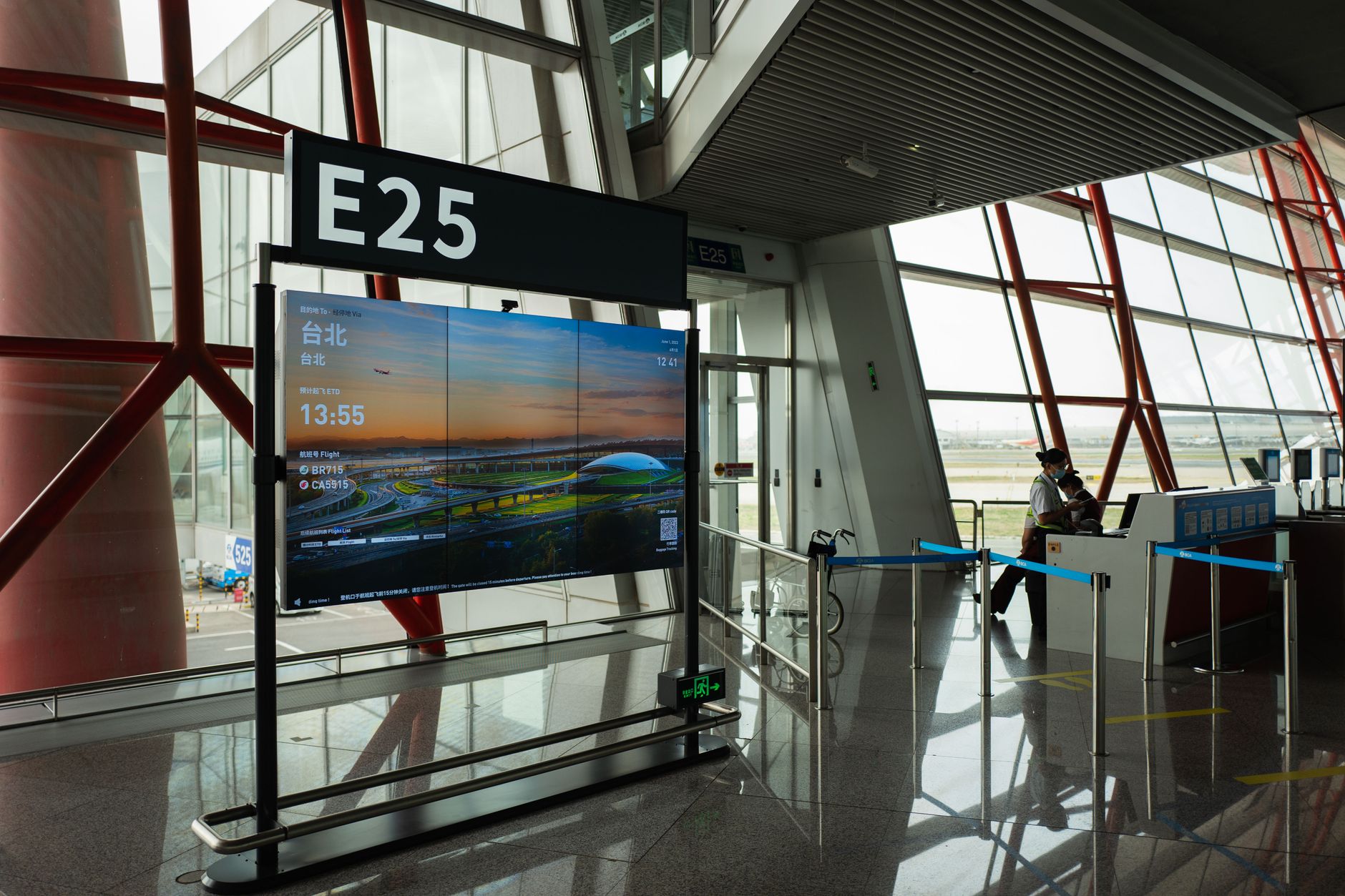
- You need a screen that stays on 24/7, a small computer to drive it, and software that can run on your own network. The computer can be a basic mini-PC or a Raspberry Pi, and the software should let you schedule content and override it with an emergency alert when required. No internet connection is needed once it’s set up.
- Can digital signage still show an emergency alert if it’s playing a video or slideshow?
- Yes, but only if the software supports an interrupt channel. This feature sends a signal that forces every screen to switch to the alert message immediately, even if it’s in the middle of a playlist. Without this, you’d have to rely on staff to notice and act, which isn’t reliable.
- How do I stop digital signage screens from burning in after a few months?
- Use screens with low-burn-in technology like OLED or VA panels, set a screensaver that moves the image slightly every few minutes, and avoid static logos or text-heavy layouts. If you’re using LCDs, keep brightness below 60% and avoid displaying the same content for more than a few hours at a time.
- What’s the easiest way to update digital signage from a central point?
- Choose software that lets you push updates over your local network instead of relying on the internet. A simple file share or a lightweight management tool that connects to each screen directly will let you change content without visiting every location. Make sure it supports scheduled updates so you can plan changes in advance.
- Do I need a separate screen for emergency alerts, or can I use the same ones?
- You can use the same screens if your software supports an interrupt channel. This sends a high-priority signal that overrides whatever is playing and displays the alert immediately. If your software doesn’t support this, you’ll need a dedicated emergency screen or a separate system, which adds cost and complexity.
- How do I make sure digital signage messages are actually seen by staff?
- Keep messages short, use high-contrast colours, and place screens where people naturally look—near lifts, canteens, or break areas. Avoid walls of text; a single line of bold text with a background colour works better than paragraphs. Test different layouts to see what gets noticed, and rotate content regularly to keep attention.